Published on:
10 min read
Security Apps in 2026: Trends, Risks, and Must-Knows
Security apps are no longer just antivirus add-ons or simple password vaults. In 2026, they sit at the center of how people protect their phones, laptops, cloud accounts, payment data, and even smart home devices. This article breaks down the most important shifts shaping the market, from AI-powered threat detection and passkey adoption to growing concerns about surveillance, over-permissioned apps, and misleading privacy claims. You’ll also learn where security apps genuinely help, where they create new risks, and how to evaluate them without falling for marketing hype. If you want a practical, up-to-date guide to choosing, using, and questioning security apps in the real world, this is the one to keep handy.
- •Why security apps matter more in 2026 than they did even two years ago
- •The biggest trends shaping security apps this year
- •Where security apps genuinely reduce risk and where they are often oversold
- •The hidden risks: privacy overreach, fake protection, and security theater
- •How to evaluate a security app before you install or subscribe
- •Key takeaways: practical steps to build a safer app stack in 2026
Why security apps matter more in 2026 than they did even two years ago
Security apps in 2026 are solving a much larger problem than malware on a single device. The average person now moves between a phone, work laptop, personal tablet, browser-stored credentials, messaging apps, and multiple cloud accounts every day. At the same time, attackers have become faster and more automated. IBM’s most recent Cost of a Data Breach report put the global average breach cost above $4 million, and while that number reflects enterprise impact, the downstream effects hit everyday users through stolen credentials, account takeovers, and payment fraud.
What changed is not just the volume of threats, but the shape of them. Phishing kits are sold like subscriptions. Deepfake voice scams have moved from novelty to operational fraud. Mobile banking trojans increasingly target accessibility permissions to hijack sessions. And consumer-grade spyware keeps appearing in disguised forms, including “family safety” tools used in ethically questionable ways.
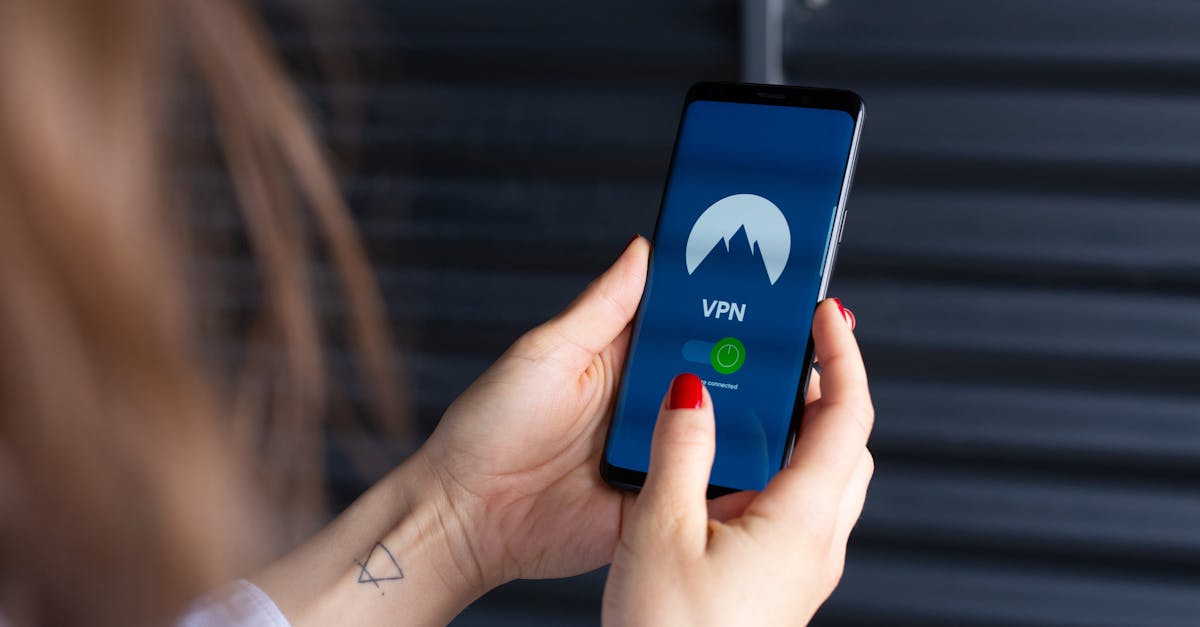
That is why security apps now span several categories: password managers, authenticator apps, VPNs, identity monitoring tools, anti-malware suites, encrypted messaging layers, and app-permission monitors. Some are excellent. Some are bloated. Some quietly collect more data than the threats they claim to stop.
The practical takeaway is simple: security apps are now part of digital hygiene, not optional extras for paranoid users. But installing more of them is not automatically safer. In 2026, the winning approach is smaller and smarter: fewer tools, better configured, with a clear understanding of what risk each one actually reduces.
The biggest trends shaping security apps this year
The most important trend in 2026 is the shift from reactive protection to continuous verification. Security apps are no longer waiting for a bad file to land on your device. They increasingly analyze behavior, context, login patterns, device trust, and network anomalies in real time. Microsoft, Google, and Apple have all pushed ecosystems toward passkeys and phishing-resistant authentication, and third-party app developers are building around that reality rather than fighting it.
A second major trend is on-device AI. Instead of sending every scan or behavioral signal to the cloud, many security apps now run lightweight models locally to flag suspicious actions. That matters for both speed and privacy. For example, some Android protection tools in 2026 can detect overlay attacks or suspicious clipboard scraping without uploading raw content to remote servers.
There is also growing convergence. Password managers now include dark web monitoring. VPN apps bundle breach alerts. Endpoint tools add identity protection. This is convenient, but it creates tradeoffs.
Pros:
- Fewer standalone apps to manage
- Lower total subscription costs in bundles
- Better cross-feature automation, such as compromised password alerts tied to autofill
- More single points of failure if one vendor is breached
- Heavier apps that drain battery or system resources
- Harder to tell which features are truly best-in-class versus added for marketing
Where security apps genuinely reduce risk and where they are often oversold
Not all security apps deliver equal value. In practical terms, the highest-return tools for most people are still password managers, authenticator apps, and breach monitoring tied to real account hygiene. If a user replaces reused passwords with unique credentials, enables passkeys where possible, and turns on phishing-resistant two-factor authentication, their attack surface drops dramatically. Verizon’s breach investigations have repeatedly shown that credential abuse remains one of the most common pathways into accounts and systems. That makes identity-focused protection far more useful than flashy “device cleaner and shield” apps with vague promises.
Security apps are also valuable in high-risk scenarios. Journalists, executives, activists, remote workers, and frequent travelers benefit from trusted VPNs, mobile threat defense, and encrypted communications tools. Someone using airport Wi-Fi, crossing borders with sensitive data, or managing client systems from a personal device has a very different risk profile from a casual user streaming video at home.
Where the market gets oversold is around all-in-one miracle protection. Many apps advertise impossible outcomes, such as complete anonymity, guaranteed hack prevention, or total dark web removal. No app can promise that.
Watch for these red flags:
- “Boost RAM, clean viruses, protect identity” in one lightweight free app
- Requests for unnecessary permissions, especially accessibility access and notification reading
- No independent audits, no transparent privacy policy, and no named company ownership
- Inflated app store reviews with repetitive wording
The hidden risks: privacy overreach, fake protection, and security theater
One of the biggest paradoxes in this category is that a security app can become its own security risk. In 2026, many products still ask for broad permissions that create surveillance potential far beyond the function users expect. A VPN may log browsing metadata despite promising privacy. A parental monitoring app may expose family location data through poor cloud storage practices. A clipboard scanner may collect sensitive text. These are not theoretical issues. Over the last few years, several consumer surveillance and stalkerware vendors have faced breaches that exposed customer and victim information alike.
Another problem is fake protection, or what security professionals often call security theater. Some apps display frequent “threat blocked” messages that are really ad trackers, cookies, or routine network events dressed up as emergencies. The goal is obvious: keep users anxious enough to renew subscriptions. This tactic works because most people cannot easily judge what a real threat event looks like.
Before trusting any app, investigate four areas:
- Ownership: Is the company identifiable, funded, and legally accountable?
- Audits: Has the app undergone third-party security or privacy reviews?
- Data use: Does the policy explain what is collected, retained, and shared?
- Update cadence: Are vulnerabilities patched quickly and publicly acknowledged?
How to evaluate a security app before you install or subscribe
A good evaluation process is less about brand hype and more about evidence. Start with the threat model. Are you trying to stop phishing, protect stored passwords, secure public Wi-Fi, monitor for data leaks, or defend a business fleet of devices? Most poor purchases happen because users skip this step and buy a familiar logo rather than a relevant tool.
Next, check the basics that separate serious vendors from glossy marketers. Look for an independent audit, a clear privacy policy, a documented vulnerability disclosure process, and recent release notes. If the app has not been updated in six months in a fast-moving threat environment, that is a warning sign. Battery impact, memory use, and permission scope matter too, especially on mobile devices where “always on” protection can degrade usability.
Use this practical checklist:
- Verify whether the app supports passkeys, hardware keys, or strong two-factor authentication
- Read recent reviews from technical publications, not only app store ratings
- Check if the vendor has had breaches and how transparently it responded
- Confirm whether premium features are essential or just upsells wrapped around free functionality
- Test uninstall difficulty and account deletion options before committing long term
Key takeaways: practical steps to build a safer app stack in 2026
If you do nothing else this year, tighten the fundamentals before shopping for advanced protection. Most successful attacks still exploit predictable habits: reused passwords, weak account recovery settings, delayed updates, and impulsive taps on convincing phishing links. A better app stack starts with those basics, not with expensive dashboards.
Here is a practical setup for most users in 2026. First, use a reputable password manager or passkey-ready credential tool and replace any reused password within a week. Second, install a trusted authenticator app or hardware key for primary accounts such as email, banking, and cloud storage. Third, enable operating system updates automatically. Fourth, review app permissions every month, especially microphone, location, accessibility, contacts, and notification access. Fifth, use a VPN selectively for risky networks and travel, not as a magical privacy cure-all.
For higher-risk users, add:
- Identity monitoring for executive, public-facing, or frequently targeted accounts
- Mobile threat defense if work data lives on personal devices
- Encrypted backup and remote wipe capabilities for travel and field work
- Separate work and personal app environments when possible
Published on .
Share now!
MM
Max Mason
Author
The information on this site is of a general nature only and is not intended to address the specific circumstances of any particular individual or entity. It is not intended or implied to be a substitute for professional advice.